DDLC OC Base: Blank Doki Doki Bodies to Draw Your OC On
Pick a body, a pose and a style, then download a clean DDLC OC base as a transparent PNG. Every base is traced from the game sprites, so your original character keeps the exact Doki Doki proportions.
DDLC OC base
4 body bases · base sheet · line art or silhouette · transparent PNG
Sayori body base · 960 × 960Transparent PNG
Bases are traced in your browser from the game’s sprite files. Nothing is uploaded.
The interactive editor above is the working tool itself. These notes describe the current controls and implementation, not a browser compatibility guarantee.
Controls
Layout (one base or a four-body base sheet), base style (line art, line art with white fill, silhouette), line weight (thin, medium, bold), background (transparent or white). One-base mode adds the body (Monika, Sayori, Natsuki or Yuri), outfit, left and right arm pose and facial expression.
Example
Input: Natsuki body, casual clothes, left arm 2, line art with white fill, medium lines, transparent background. Output: a 960 × 960 PNG with dark lines over a white body shape and a transparent background.
Export
One base exports as a 960 × 960 PNG. The base sheet exports as a 2400 × 960 PNG with all four bodies in their default school uniform pose.
Phone and desktop
Controls and preview stack on phones and sit side by side on wider screens. Export size does not change with the device.
Browser behavior and errors
Lines are traced pixel by pixel on a canvas, so the tool works in any current browser. Copy image needs clipboard permission; Download PNG works without it.
Data boundary
The bases are drawn from the site's local sprite files. Nothing is uploaded and no account is needed.
What a DDLC OC base is
A DDLC OC base is a blank body in the Doki Doki Literature Club art style that you draw over to create an original character. Instead of working out anatomy, head size and pose from scratch, you start from a shape that already matches Monika, Sayori, Natsuki and Yuri, then add your own hair, face and clothes. It is how most fan OCs in the DDLC community begin, and it is the fastest way to make a character that looks like it belongs in the clubroom.
Bases found on art sites are often redrawn by hand, cropped, or covered with watermarks. This page traces each base directly from the sprite files in your browser, so the proportions are exact and the PNG keeps a transparent background.
Pick the right body for your OC
The four bodies are not interchangeable. Each one keeps its original height and build, and that changes how your OC reads next to the cast.
Monika body: tall and upright, uniform only. Good for a confident or older-looking OC.
Sayori body: medium height with relaxed poses and a casual outfit option.
Natsuki body: the shortest base, which suits a younger-looking or energetic OC.
Yuri body: the tallest base, with a more reserved stance and casual clothes.
Not sure? Switch the layout to the base sheet to see all four bodies side by side, then choose the body whose height matches the character in your head.
Line art, white fill or silhouette?
Line art
Thin dark lines on a transparent background, traced from every edge of the sprite. Put the lines on top and paint your colors on a layer underneath. This is the most flexible option for digital coloring.
Line art with white fill
The same lines over a solid white body. Bucket fill tools in phone drawing apps work better on this version, because each area is closed and the outside stays transparent.
Silhouette
A flat grey shape with no inner lines. Lower its opacity and draw everything yourself; it only guides the pose and proportions.
Line weight matters too. Thin lines look closest to the sprites at full size; medium or bold lines survive better when you shrink the OC for a comic panel or a profile picture.
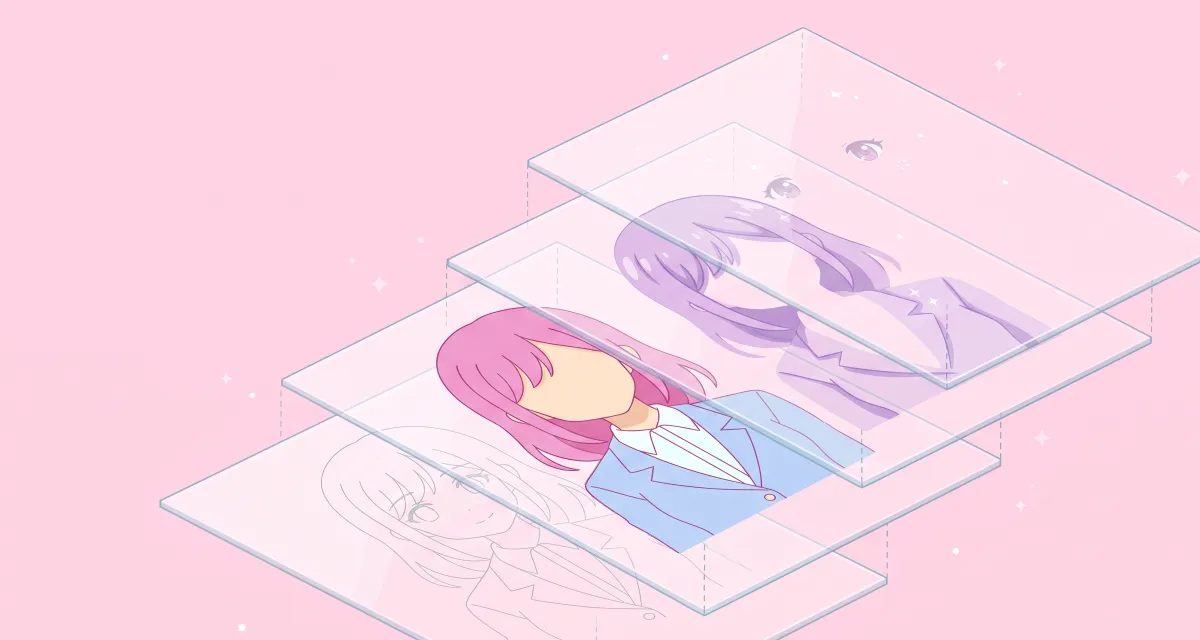
Drawing over a base: the base sets the pose, your layers add the character.
How to draw your OC over a DDLC OC base
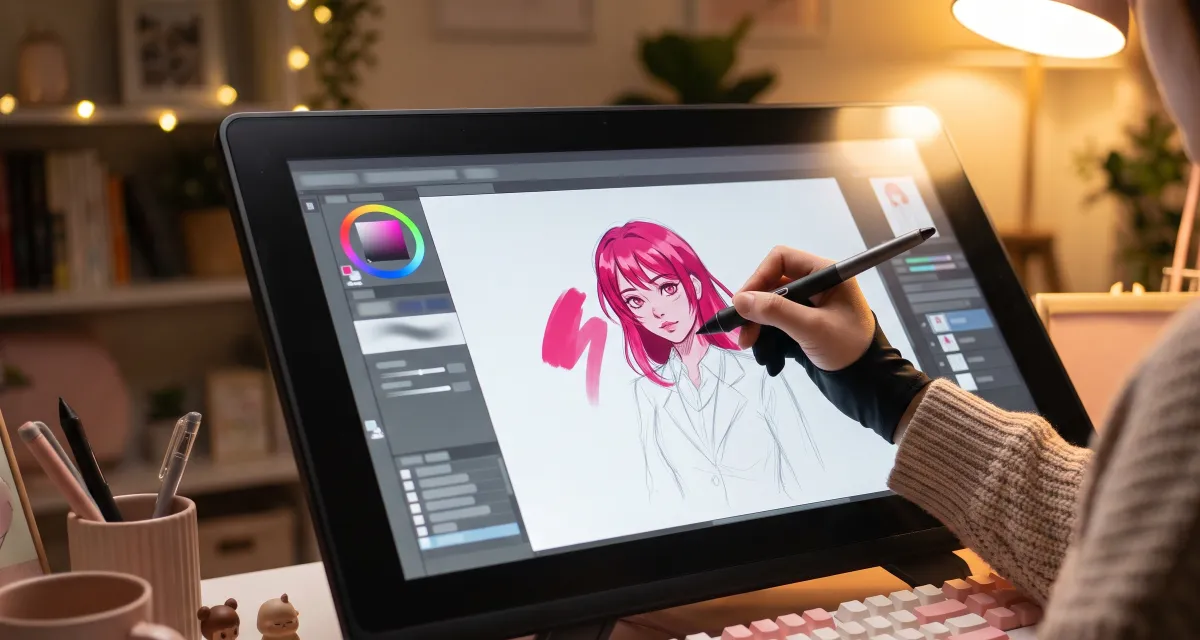
Download the base as a transparent PNG and import it into your drawing app as its own layer.
Lock or lower the base layer to about 30 to 50 percent opacity so your new lines stand out.
Sketch the hair first. Hair is what makes DDLC characters recognizable, so give your OC a clearly different silhouette from the original cast.
Redraw the face on a new layer. Keep the large eyes and small mouth of the DDLC style, but change the eye shape and color.
Change the outfit details: ribbon color, sleeves, accessories, a cardigan or a hair clip.
Color under the lines, using flat colors first and one soft shadow tone, the way the original sprites are shaded.
Hide the base and erase any old lines that no longer match your design, such as the original hairstyle.
The steps are the same in Ibis Paint, Procreate, Krita, Medibang or Clip Studio Paint. Any app with layers and opacity control will do.
Keep the base, flat colors and shading on separate layers so each can be changed later.
Matching the Doki Doki art style
Keep the head size. The base already has the right ratio. Avoid enlarging the head when you draw new hair over it.
Use soft, two-tone shading. The sprites use a base color and one darker shade, with very few highlights.
Choose a signature color. Each club member has one, for example green, blue, pink or purple. Give your OC a color the cast does not use.
Keep one line weight. Mixing thick and thin outlines makes an OC stand out from the cast in a bad way. Pick a line weight in the tool that matches how large the OC will appear.
Credit and sharing your OC
When you post art drawn on one of these bases, say that the pose comes from the game sprites. It is common courtesy in fan art communities and avoids confusion about who drew what. Doki Doki Literature Club! and its characters belong to Team Salvato. Read the current Team Salvato IP Guidelines before selling prints, commissions or a mod that uses your OC.
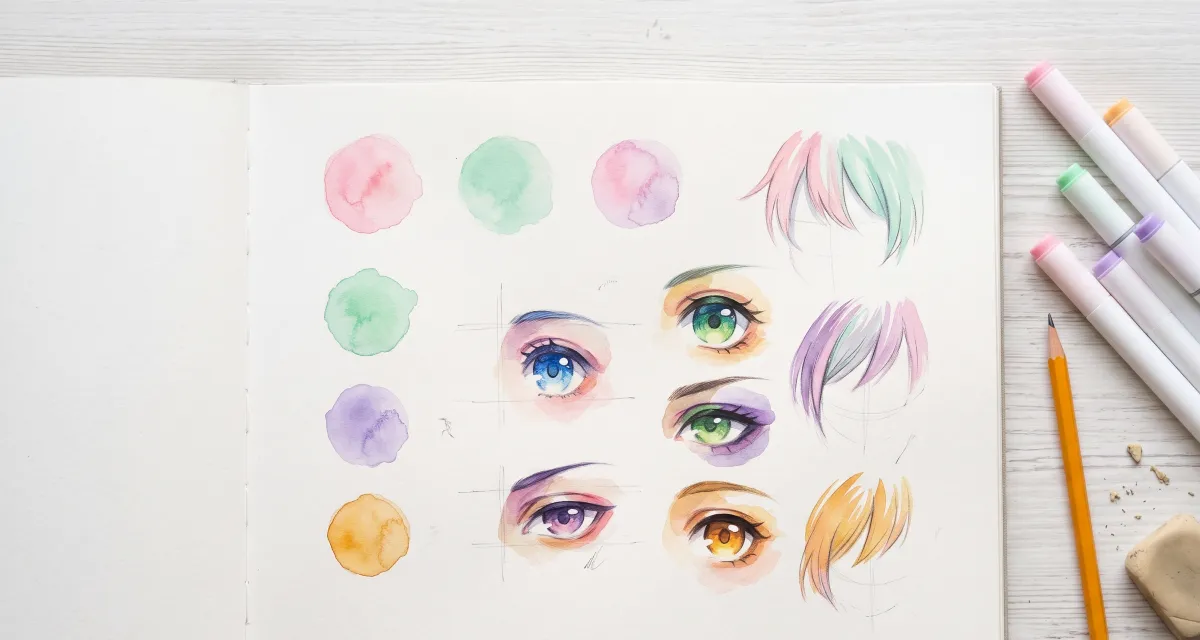
Test a few hair and eye palettes before committing to one signature color.
Yes. The DDLC OC base tool is free and runs in your browser. The bases are traced from Doki Doki Literature Club sprites, which belong to Team Salvato, so they are fine for personal fan art. Check the Team Salvato IP Guidelines before selling anything or using it in a larger project.
Do I need to credit the base?
Crediting is good manners in the DDLC art community. A short note such as “base traced with dokidokidialog.com from the DDLC sprites” tells people where the pose came from and that the original art belongs to Team Salvato.
Which DDLC OC base style should I download?
Pick line art if you want to keep the original lines and color under them. Pick line art with white fill if your app needs a solid shape to color with a bucket tool. Pick the silhouette if you plan to redraw every line yourself and only want the pose and proportions.
Can I get a DDLC OC base without hair?
No. The game sprites draw hair and head as one piece, so every base keeps the original hairstyle. Lower the base layer’s opacity, draw the new hair on top, and erase the old hair lines when your version is finished.
Why does the base sheet only use one pose?
The base sheet lines up all four bodies in their default uniform pose so you can compare heights and builds at a glance. Switch the layout to One base when you need a different pose, outfit or expression.
Will my drawing still line up with the game sprites?
Yes. Every single base exports at the 960 × 960 sprite size, so a finished OC drawn on it will stand at the same height as the original characters in a scene or comic.
Choose the DDLC tool that matches your next step
These tools cover different parts of the same creative workflow. Use the scene studio for composition, the font tool for an overlay, the poem maker for a page-style artifact, and the textbox tool when you need a clean reusable layer.
Independent fan-made utility. Doki Doki Literature Club! and associated official assets are owned by Team Salvato. This page does not imply affiliation or endorsement.